Choosing and Implementing Employee Scheduling Tools for Growth

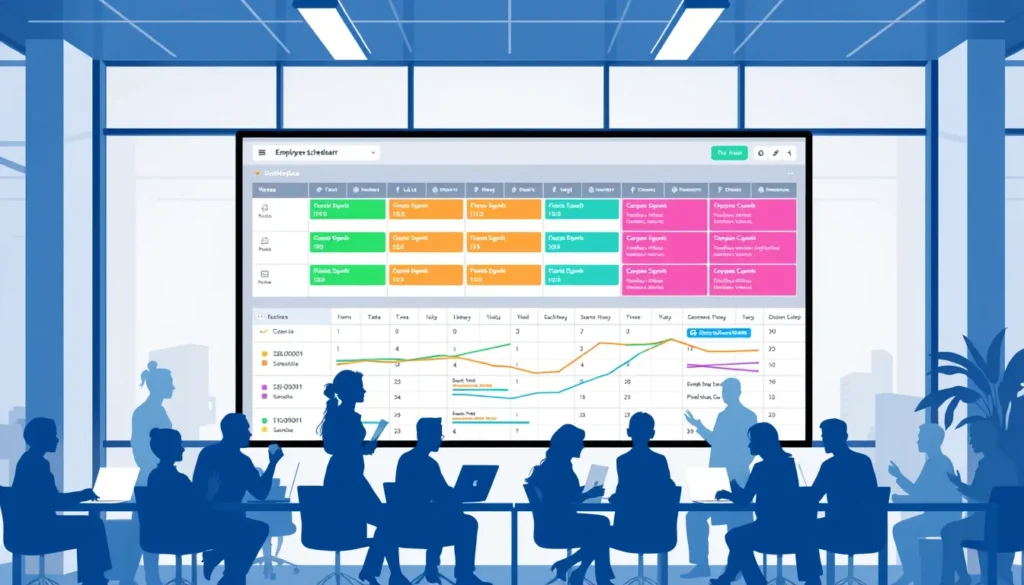
This guide is for fast‑growing businesses that need a reliable way to manage shifts, stay compliant, and keep the roster aligned with rapid hiring and expanding operations. By following the steps below, you’ll be able to pinpoint exactly what you need, choose the right employee scheduling tools for growing companies, and launch a system that supports automation, integration, and scalability.
Expect a clear, actionable roadmap that takes you from initial needs analysis to a fully adopted solution, while highlighting common pitfalls that waste time and money. By the end, you’ll have a repeatable process that drives user adoption and keeps your schedule running smoothly as you scale.
Define Scheduling Needs and Success Metrics
Before you evaluate any Employee Scheduling Tools for Growing Companies, clarify what the schedule must achieve. A focused needs analysis prevents wasted time on features you never use and ensures the roster supports both operational peaks and long‑term scalability.
- Identify peak periods. Pull sales, foot‑traffic, or production data to pinpoint days and hours when demand spikes. Result: a clear picture of when the roster needs extra shifts.
- Define shift patterns. List required shift lengths, start/end times, and any rotating or split‑shift models. Result: reusable shift templates that feed directly into automation.
- Document compliance constraints. Record labor‑law limits on weekly hours, mandatory breaks, and overtime rules for each location. Result: a compliance checklist that the tool must enforce.
- Select key performance indicators. Choose metrics such as fill rate, overtime cost, and schedule adherence. Result: measurable success criteria for future reviews.
- Create a decision checklist. Combine the above items into a single list that will guide tool comparison, integration planning, and user adoption strategies. Result: a concrete reference that keeps the selection process focused.
Common mistakes to avoid:
- Assuming a one‑size‑fits‑all roster without accounting for regional compliance differences.
- Choosing a tool based solely on price, ignoring integration capability with payroll or HR systems.
- Skipping KPI definition, which makes it impossible to measure automation benefits.
- Overloading the initial rollout with too many shift variations, hindering user adoption.
Compare Core Features and Shortlist Tools
Translate the checklist into a feature matrix that mirrors the realities of your roster, compliance landscape, and automation goals. This matrix becomes the backbone of a quick‑fire scorecard you can apply to every candidate.
- List core categories. Create rows for mobile access, auto‑fill, real‑time reporting, API integration, compliance alerts, and scalability settings. Result: A visual map that shows exactly which capabilities matter for Employee Scheduling Tools for Growing Companies.
- Assign weightings. Rate each category from 1‑5 based on its impact on your success metrics (e.g., integration = 5, mobile access = 3). Result: A weighted scorecard that highlights high‑impact features and prevents low‑value extras from skewing the ranking.
- Score each tool. For every shortlisted solution, give a 0‑5 rating per category, multiply by the weight, and total the points. Result: A ranked list where the top‑scoring tools align with your operational priorities.
- Flag deal‑breakers. Any tool that scores zero on a non‑negotiable item—such as regional compliance automation or payroll integration—gets removed from consideration, regardless of its overall total. Result: A concise shortlist that eliminates costly re‑evaluation later.
After the scorecard is complete, schedule short demo calls with the top 2‑3 candidates. Use the same matrix during the demo to verify the full details that the live experience matches the numbers, ensuring confidence before the final purchase decision.
Set Up the Tool for Immediate Use
With your shortlist in hand, the focus shifts to turning the selected Employee Scheduling Tools for Growing Companies into a working system that can generate a roster from day one.
- Create an admin account. Secure login and role‑based permissions are established, giving you control over who can edit schedules, view compliance reports, or manage integrations.
- Import employee data. Upload a CSV or connect to HRIS so every shift‑eligible staff member appears with correct job codes, availability, and compliance constraints.
- Configure business rules. Set labor‑law limits, overtime thresholds, and break requirements; the tool will enforce compliance automatically.
- Set up recurring shift templates. Define standard shift patterns (e.g., morning, swing, night) and repeat them weekly, enabling rapid roster generation.
- Run a pilot schedule. Create a roster for a single department or location, review the automated assignments, and adjust rules before full rollout.
- Verify alerts and approvals. Trigger a schedule change, confirm that managers receive notifications, and ensure the approval workflow locks the roster only after sign‑off.
Common mistakes to avoid:
- Skipping the mapping of employee IDs, which leads to duplicate or missing entries.
- Ignoring regional compliance settings, causing legal exposure.
- Over‑customizing templates before the pilot, which obscures simple errors.
- Leaving role permissions at default, resulting in unauthorized edits.
- Foregoing the pilot test, so hidden configuration gaps surface only after the first live roster.
Train Your Team and Drive Adoption
With the roster now configured, the next hurdle is getting managers and staff to use the system confidently. A focused adoption plan turns the new tool into a daily‑use asset rather than a source of friction.
- Create bite‑size training modules. Develop two 10‑minute videos—one for managers covering shift‑assignment rules and compliance alerts, and one for staff showing how to view, accept, or request changes. The result is a clear, on‑demand resource that respects busy schedules.
- Run live walkthroughs. Schedule a short virtual session for each department where an instructor shares the screen, walks through creating a shift, publishing the roster, and using automation features. Participants leave with hands‑on experience and immediate answers to questions.
- Collect feedback instantly. After each walkthrough, use a quick poll or chat to capture what worked, what confused users, and any compliance concerns. This data informs rapid tweaks, ensuring the tool aligns with real‑world workflows.
- Address resistance points. Identify common worries—fear of technology, loss of control over schedules, or doubts about integration with payroll. Provide reassurance by demonstrating how the system preserves manager authority, automates compliance checks, and syncs with existing payroll software. The result is reduced anxiety and higher user adoption.
- Supply quick‑reference cheat sheets. Distribute one‑page PDFs that map common tasks (e.g., swapping a shift, approving a time‑off request) to button clicks. Easy access reinforces learning and speeds up daily roster management.
By completing these steps, teams begin using the Employee Scheduling Tools for Growing Companies with confidence, laying the groundwork for scalable, automated scheduling that supports ongoing growth.
Review, Refine, and Scale the Scheduling Process
With the roster now stable, schedule a brief, weekly review so the scheduling process keeps pace with growth. The review turns raw data into actionable tweaks, prepares the system for new integrations, and creates a repeatable SOP that new hires can follow.
- Extract KPI data from your Employee Scheduling Tools for Growing Companies. Pull metrics such as shift fill rate, overtime hours, and compliance alerts. Result: you gain a clear snapshot of how the current roster is performing.
- Match the metrics against your success criteria. If overtime spikes or fill rates dip, adjust the scheduling rules or template presets accordingly. Result: the next roster better meets demand while staying compliant.
- Map out the next Integration priority. Identify whether payroll, time‑clock, or another system will add the most value, and schedule a pilot connection. Result: data flows automatically, cutting manual entry and supporting automation.
- Document a concise SOP. Capture the review steps, rule‑change workflow, and integration checklist in a one‑page guide. Result: future hires can replicate the process, ensuring scalability.
- Archive the weekly report and assign ownership. Store the summary in a shared folder and designate a team member to lead the next cycle. Result: continuous improvement becomes a habit, reinforcing user adoption.
Common mistakes to avoid:
- Skipping the data review because the roster “looks fine” – hidden compliance gaps can accumulate.
- Changing multiple rules at once, making it hard to identify which tweak produced the result.
- Delaying integrations until a crisis arises, which creates rushed, error‑prone connections.
- Leaving the SOP unwritten or stored in a personal folder, causing knowledge loss when staff turn over.
